Conversation Logs
The Conversation Logs page is the audit view of every conversation session — both active and terminated — that the dispatcher has handled. Each row is one session; the detail view shows the full WhatsApp transcript and the timeline of dispatcher decisions (which intent was picked, which skill was invoked, what the outcome was).
Accessing the Page
Section titled “Accessing the Page”- Route:
/communications/automation/logs(Conversation tab) - Menu Path: Communications → Automation → Logs → Conversation
- Primary audience: Administrators auditing chatbot behaviour and debugging individual conversations.
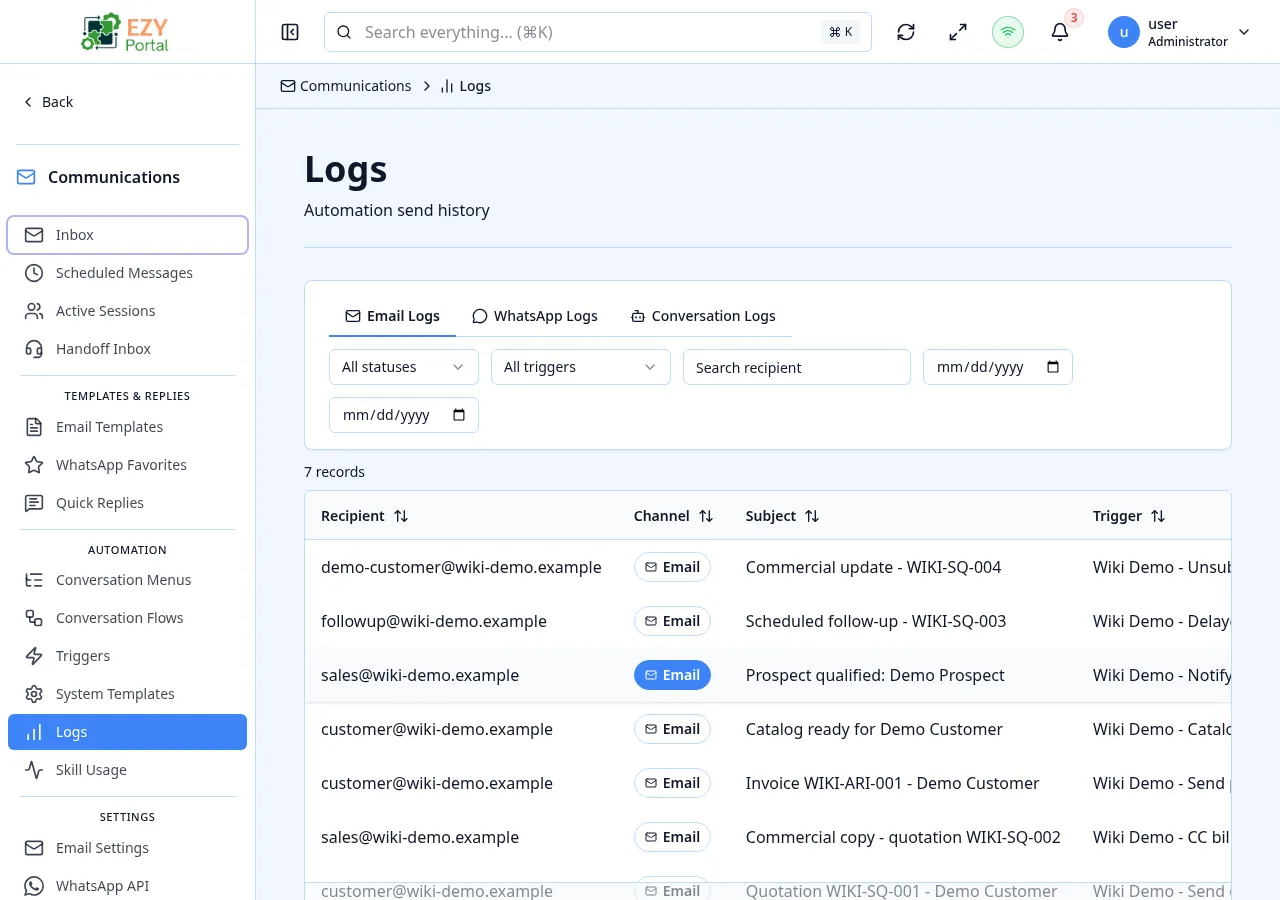
The page shares its URL with the Email Outbox; the two surfaces live in adjacent tabs.
Permissions
Section titled “Permissions”| Permission | Description |
|---|---|
communications.access (Read) | View logs and open the detail / transcript drawer |
List Columns
Section titled “List Columns”| Column | Default Visible | Description |
|---|---|---|
| Phone / Contact | Yes | Phone number and Business Partner if matched |
| State | Yes | Session state — see the Active Sessions page for the value set |
| Outcome | Yes | Final dispatcher outcome — see below |
| Intent / Skill | Yes | The intent classified and the skill (if any) that was invoked |
| Last User Message | Yes | The most recent message the contact sent |
| Message Count | Yes | Total number of messages exchanged in the session |
State and Outcome
Section titled “State and Outcome”graph LR
OPEN --> ACTIVE
ACTIVE -->|awaiting reply| AWAITING_USER
AWAITING_USER -->|reply| ACTIVE
ACTIVE -->|skill invoked| PROCESSING
PROCESSING --> ACTIVE
ACTIVE -->|escalated| WITH_AGENT
ACTIVE -->|resolved| RESOLVED
WITH_AGENT -->|resolved| RESOLVED
ACTIVE -->|timed out| EXPIRED
AWAITING_USER -->|timed out| EXPIRED
States are listed on Active Sessions. Outcomes describe how the dispatcher classified the session:
| Outcome | Description |
|---|---|
| In Progress | Session has not produced a final outcome yet. |
| Success | A skill returned successfully and the contact was served. |
| Skill Error | The invoked skill returned an error. |
| Skill Retired | The invoked skill has been removed from the registry. |
| Partial Flow Failure | A Conversation Flow ran but a step failed. |
| Budget Exceeded | The conversation hit a configured cost or message budget. |
| Handoff | The session was escalated to a human agent. |
| Session Busy | The contact had a concurrent session in progress. |
| Dispatch Orphaned | A dispatch lost its session before completing. |
| Rate Limited | The contact hit a per-tenant or per-channel rate limit. |
| To Agent | The dispatcher routed directly to an agent without a skill attempt. |
| Verification Required | The contact’s verification level was insufficient for the requested skill. |
| None | Session ended without a classifier outcome (typically expired sessions). |
Filtering
Section titled “Filtering”| Filter | Type | Description |
|---|---|---|
| Phone | Free text | Searches by phone number |
| Skill / Intent | Select | Filter to one intent or skill |
| State | Select | Any session state |
| Outcome | Select | Any outcome from the table above |
Detail View
Section titled “Detail View”Clicking a row opens a detail drawer with three sections:
| Section | Description |
|---|---|
| Summary | Started / resolved timestamps, thread ID, session ID, BP and contact identifiers |
| Transcript | The full WhatsApp message history, each message labelled with sender (contact / bot / agent) |
| Audit Timeline | Per-step record of classifier runs, intent assignments, skill invocations, retries and errors |
The transcript renders inline images and emojis the same way they were sent.
- Logs are read-only — there is no way to edit a session or its messages from this page.
- The retention window for logs is platform-configured (currently 90 days for transcript and audit timeline). After that, the row remains visible with summary fields but the transcript is truncated.
- For email-channel logs and the resend / retry actions on automation-triggered emails, see the Email Outbox.
Common tasks
Section titled “Common tasks”- Open Communications → Automation → Logs and switch to the Conversation tab.
- Filter by Outcome → Skill Error to investigate failed dispatches.
- Click into a row, read the Transcript to confirm what the contact sent, then check the Audit Timeline for the exact step that failed.
Related Pages
Section titled “Related Pages”- Email Outbox — the sibling tab for outbound email and WhatsApp template delivery
- Active Sessions — only non-terminal sessions, with the option to release stuck ones
- Handoff Inbox — sessions currently waiting for a human agent
- Skill Usage Insights — aggregate analytics built from the same dispatch records