Kardex
The Kardex page will show the complete stock movement journal for individual items — a chronological record of every transaction that affected an item’s inventory quantity, with a running balance after each movement. It is currently in development as part of the inventory service scaffold phase.
Accessing the Page
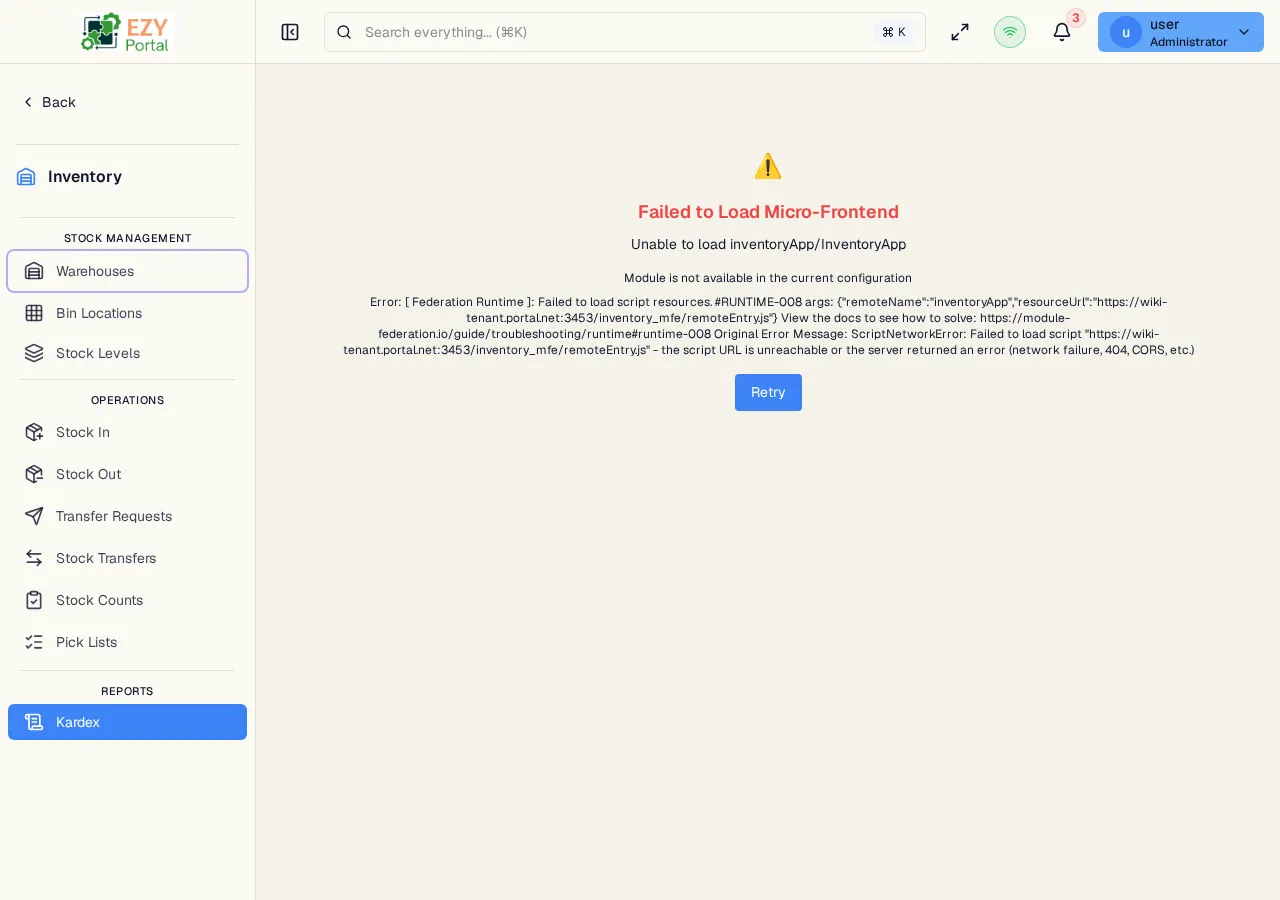
Section titled “Accessing the Page”Navigate to Inventory → Reports → Kardex in the sidebar, or go to /inventory/reports/kardex.
Planned Capabilities
Section titled “Planned Capabilities”When released, Kardex will provide:
| Feature | Description |
|---|---|
| Transaction history | Complete chronological record of all stock movements for an item |
| Filter by item and warehouse | Narrow the journal to a specific item or warehouse |
| Source document links | Navigate directly to the Stock In, Stock Out, or Stock Transfer that caused each movement |
| Running balance | Cumulative stock quantity after each transaction |
Movement Types Expected
Section titled “Movement Types Expected”When released, the Kardex will record movements from:
| Movement Type | Direction | Source |
|---|---|---|
| Stock In (confirmed) | + increase | Stock In documents |
| Stock Out (confirmed) | − decrease | Stock Out documents |
| Stock Transfer (confirmed) | − decrease at source; + increase at destination | Stock Transfer documents |
| Stock In (cancelled) | − reversal | Cancellation of Stock In |
| Stock Out (cancelled) | + reversal | Cancellation of Stock Out |
| Stock Transfer (cancelled) | + reversal at source; − reversal at destination | Cancellation of Stock Transfer |
Current Status
Section titled “Current Status”This page is under construction. All stock-affecting operations (Stock In, Stock Out, Stock Transfers) generate movement records internally. The reporting interface for browsing those records will be available in a future release.
Related Pages
Section titled “Related Pages”- Stock Levels — View current stock quantities
- Stock In — Receipt documents that increase stock
- Stock Out — Issue documents that decrease stock
- Stock Transfers — Transfer documents that move stock between warehouses