Stock Levels
The Stock Levels page will display real-time inventory quantities across all warehouses and bin locations. It is currently in development as part of the inventory service scaffold phase.
Accessing the Page
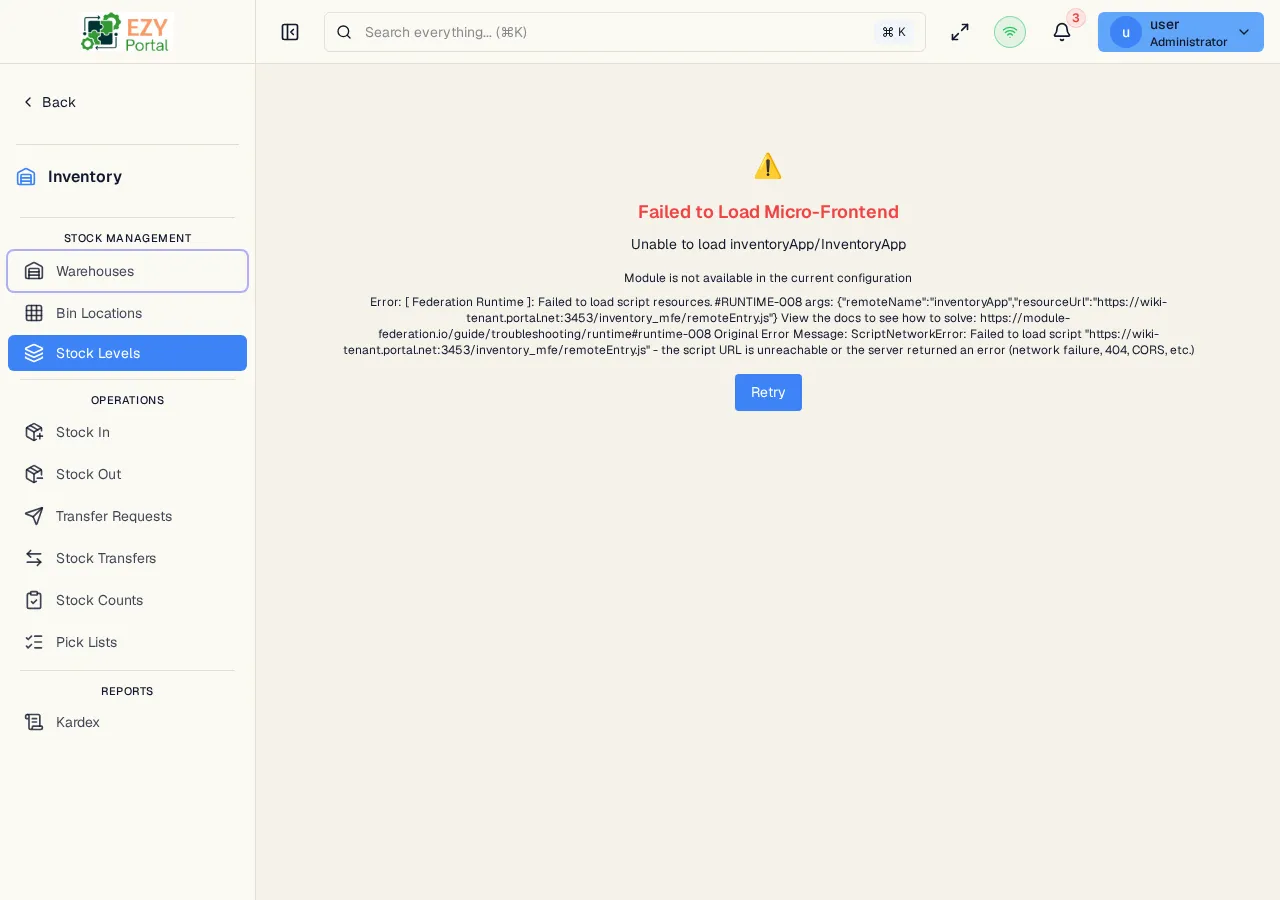
Section titled “Accessing the Page”Navigate to Inventory → Stock → Stock Levels in the sidebar, or go to /inventory/stock/levels.
Planned Capabilities
Section titled “Planned Capabilities”When released, Stock Levels will provide:
| Feature | Description |
|---|---|
| Real-time stock view | Current quantities by item and warehouse or bin location |
| Available vs. reserved | Breakdown of free stock, allocated stock, and quantities on order |
| Batch/serial tracking | Stock quantities grouped by batch number or serial number |
| Stock alerts | Low-stock warnings against configured reorder points |
Current Status
Section titled “Current Status”This page is under construction. Operations that affect stock quantities — Stock In, Stock Out, and Stock Transfers — are fully functional and update the underlying stock records. The reporting view for those quantities will be available in a future release.
Common tasks
Section titled “Common tasks”- Open the page from Inventory → Stock → Stock Levels.
- Apply warehouse and item filters to narrow the view (planned).
- Review quantities and alerts (planned).
Related Pages
Section titled “Related Pages”- Warehouses — Manage warehouse locations
- Stock In — Receive inventory that increases stock levels
- Stock Out — Issue inventory that reduces stock levels
- Stock Transfers — Move stock between warehouses or bins
- Kardex — View the complete stock movement history per item