Finance Settings Overview
Finance Settings contains the administrative pages that define accounting calendars and document number sequences for the tenant. These controls keep posted documents aligned with fiscal reporting periods and prevent duplicate or inconsistent document identifiers. This sub-module is used primarily by tenant administrators.
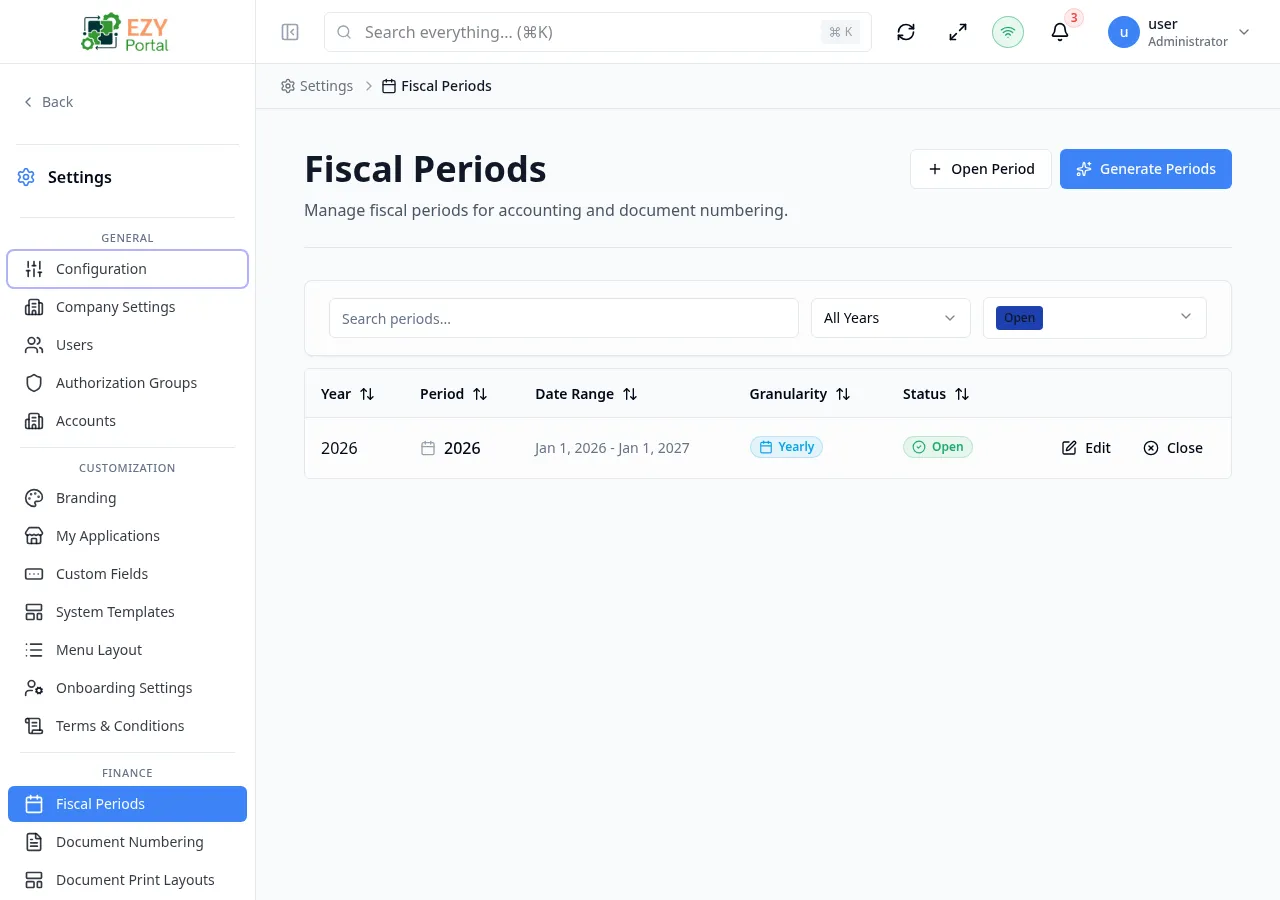
Accessing the Page
Section titled “Accessing the Page”- Menu Path: Settings → Finance
- Primary audience: Tenant administrators.
What you can do here
Section titled “What you can do here”- Create and maintain the date ranges that group transactions by fiscal year, quarter, month, or custom period using Fiscal Periods.
- Configure numbering series, prefixes, suffixes, and next-number values for supported documents using Document Numbering.
- Ensure downstream finance, inventory, sales, and procurement records use the correct period and identifier.
- Preserve numbering and period configuration history for auditability and traceability.
Pages in this group
Section titled “Pages in this group”| Page | Purpose |
|---|---|
| Fiscal Periods | Create and manage date ranges that group transactions by accounting period. |
| Document Numbering | Configure number series, prefixes, suffixes, and next numbers for documents. |
Common tasks
Section titled “Common tasks”- Open Settings and expand the Finance group in the sidebar.
- Review Fiscal Periods before opening a new fiscal year or posting cycle to ensure the correct date ranges are active.
- Open Document Numbering before enabling a new document type, branch, or integration to avoid numbering conflicts.
- After creating a new series in Document Numbering, verify the next number and prefix are correct before posting any documents.
- Fiscal period changes affect which documents can be posted; closing a period prevents new postings against it.
- Document numbering series are shared across the tenant; coordinate with all departments before renumbering.
- Visible to tenant administrators in standard tenants. Availability can depend on licensed finance features and the menu customization for the tenant.
- System administrators see system-level settings only; tenant finance settings may be hidden for system admin sessions.