User Detail
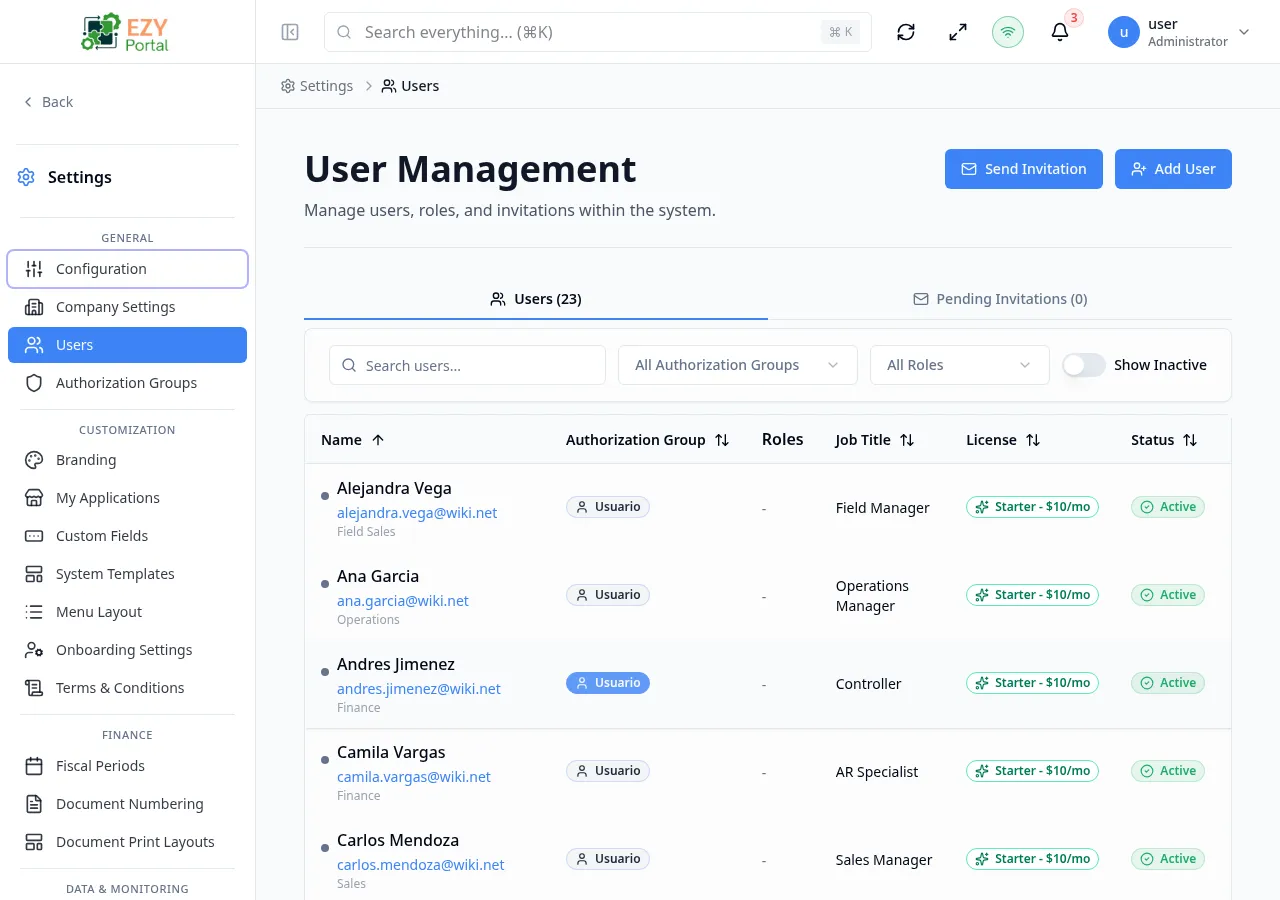
View an individual user profile from user-related links and administration lists.
Accessing the Page
Section titled “Accessing the Page”-
Route:
/users/:id -
Menu Path: Users - select a user
-
Access: Authenticated users can open linked user details; admin-only actions are governed elsewhere.
Page behavior
Section titled “Page behavior”- Shows details for a specific user id.
- Used as a read-oriented drill-down from user lists, audit records, assignments, and other user references.
- Keeps administrative editing in the Users page/dialogs rather than duplicating those controls.
What you can do here
Section titled “What you can do here”- Review identity and contact information.
- Confirm status, roles, authorization group, or license information when provided by the API.
- Return to the originating list or use browser navigation after review.
Notes and edge cases
Section titled “Notes and edge cases”- For creating, inviting, editing, authorizing, or deleting users, use the Users administration page.
- If the user id cannot be loaded, the page displays the relevant loading/error state.
Related pages
Section titled “Related pages”Common tasks
Section titled “Common tasks”- Open the route from the portal menu or direct URL.
- Confirm your role grants access before changing administrative settings.
- Apply filters or open the relevant dialog/record.
- Save changes and verify the updated state in the list, detail, or preview area.