My Applications
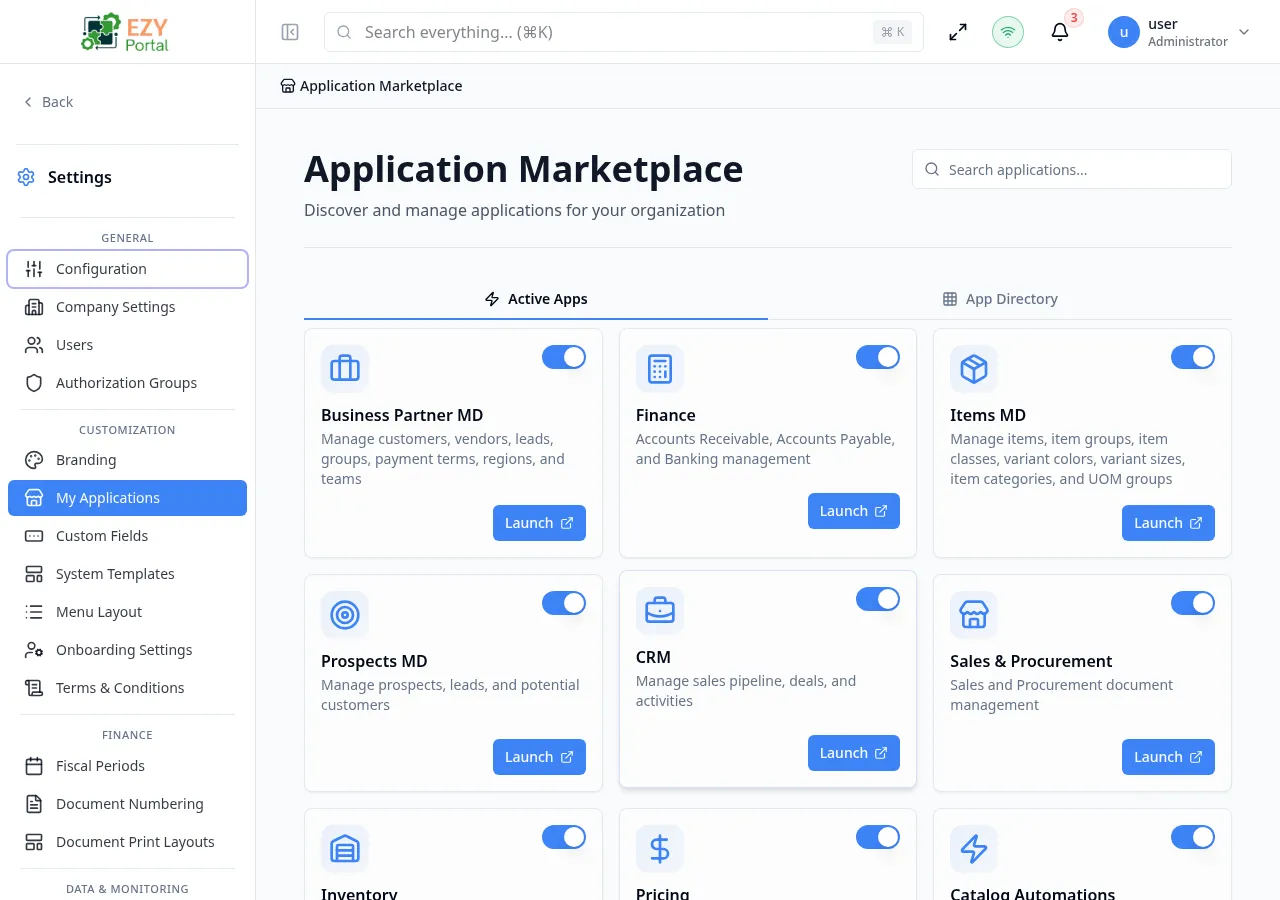
My Applications is an app-gallery page for the tenant. It shows active applications and an application directory, supports search, and provides launch or enablement controls according to tenant access and deployment mode.
Accessing the Page
Section titled “Accessing the Page”- Route:
/myapplications - Menu Path: Settings → Customization → My Applications
- Primary audience: Tenant administrators and other users with the required admin role.
What you can do here
Section titled “What you can do here”- Search applications by name, display name, description, or localized text.
- Switch between Active Apps and App Directory tabs.
- Enable or disable allowed applications when the current user can toggle them.
- Launch enabled applications from their cards.
- Review which services are available to the tenant.
Common tasks
Section titled “Common tasks”- Open Settings → Customization → My Applications.
- Search for the application or switch to the directory tab.
- Use the card toggle when it is enabled for your role and tenant mode.
- Launch the application to confirm it loads.
- If an application is missing, ask a system administrator to review tenant service access.
- In multi-tenant mode, only services granted to the tenant are listed. Private or system-managed apps may not be toggleable from this page.