Job Posting Detail
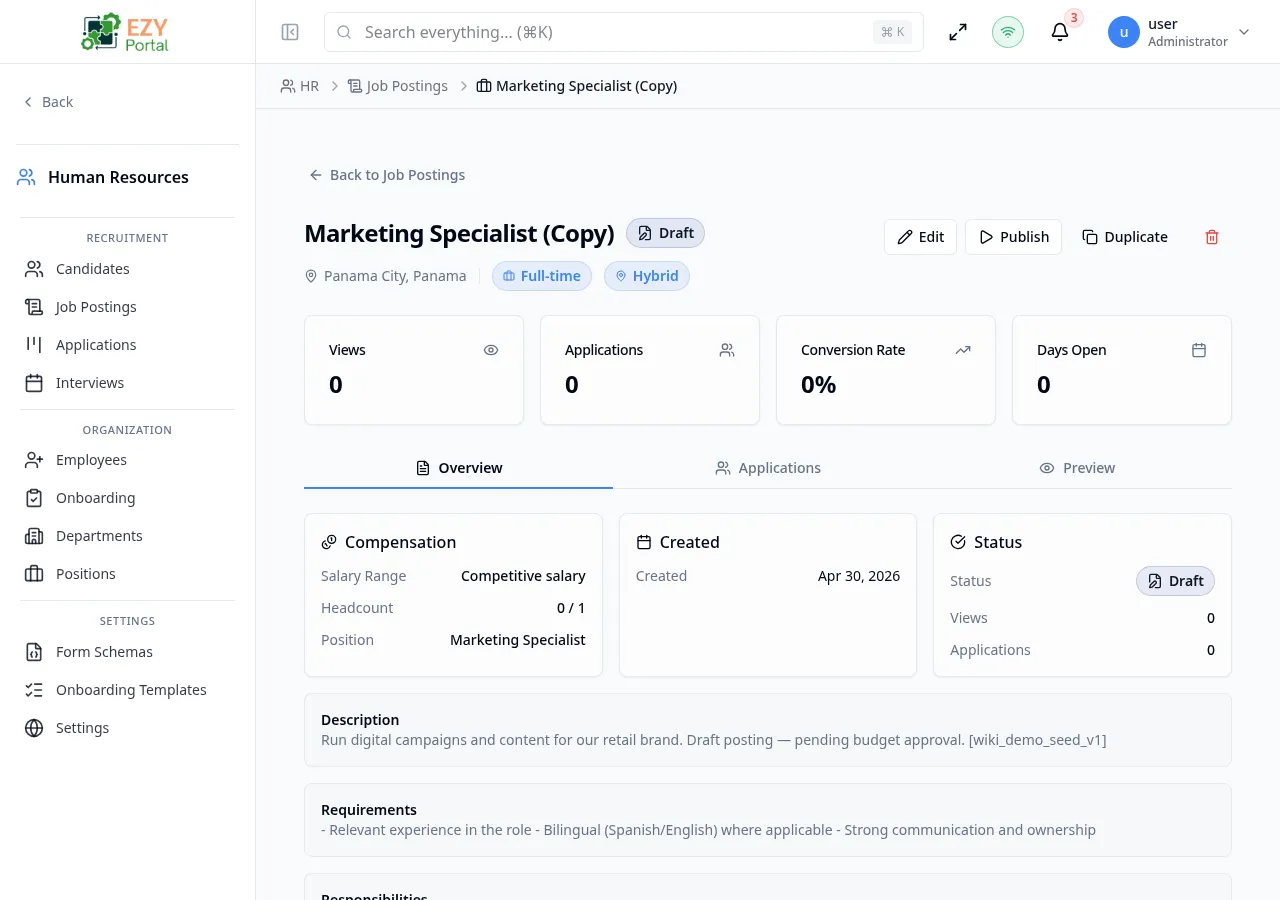
The Job Posting Detail page provides a full view of a single job posting, including metrics (views, applications, conversion rate, days open), the full job description content, and a tabbed layout that surfaces all applications linked to this posting. From this page you can edit the posting, change its status, share it, or review applications inline.
Accessing the Page
Section titled “Accessing the Page”- Route:
/job-postings/:id - Menu Path: HR → Recruitment → Job Postings → click a posting row
Header / Action Bar
Section titled “Header / Action Bar”| Button | Description |
|---|---|
| Back to Job Postings | Returns to the Job Postings list |
| Edit | Opens the Edit Job Posting dialog |
| Publish / Pause / Resume / Close / Mark as Filled | Status transition action for the current posting state |
| Share | Opens the share panel (copy link, LinkedIn, Twitter, careers page link) |
Metrics Cards
Section titled “Metrics Cards”Four KPI cards are displayed at the top of the page:
| Metric | Description |
|---|---|
| Views | Total views of this posting on the careers page |
| Applications | Total number of applications received |
| Conversion Rate | Applications divided by views, as a percentage |
| Days Open | Number of days since the posting was published |
Overview tab
Section titled “Overview tab”The Overview tab shows posting details and the full job description content.
Posting information panel:
| Field | Description |
|---|---|
| Location | Office location or city |
| Employment Type | Full-time, Part-time, Contract, Internship, or Temporary |
| Remote Type | On-site, Remote, or Hybrid |
| Salary Range | Min–Max salary (shown only if visibility is set to Public) |
| Headcount | Number of positions to fill |
| Hired | Count of candidates hired for this posting |
| Position | Linked position record (if set) |
| Created | Creation date |
| Published | Date first published |
| Closes At | Closing date (if set) |
Job description sections (rendered as rich text):
- Description
- Requirements
- Responsibilities
- Benefits
Each section displays “No content provided” if not filled in.
Applications tab
Section titled “Applications tab”The Applications tab lists all applications submitted for this job posting. It provides the same filtering and actions available on the Applications page, scoped to this posting.
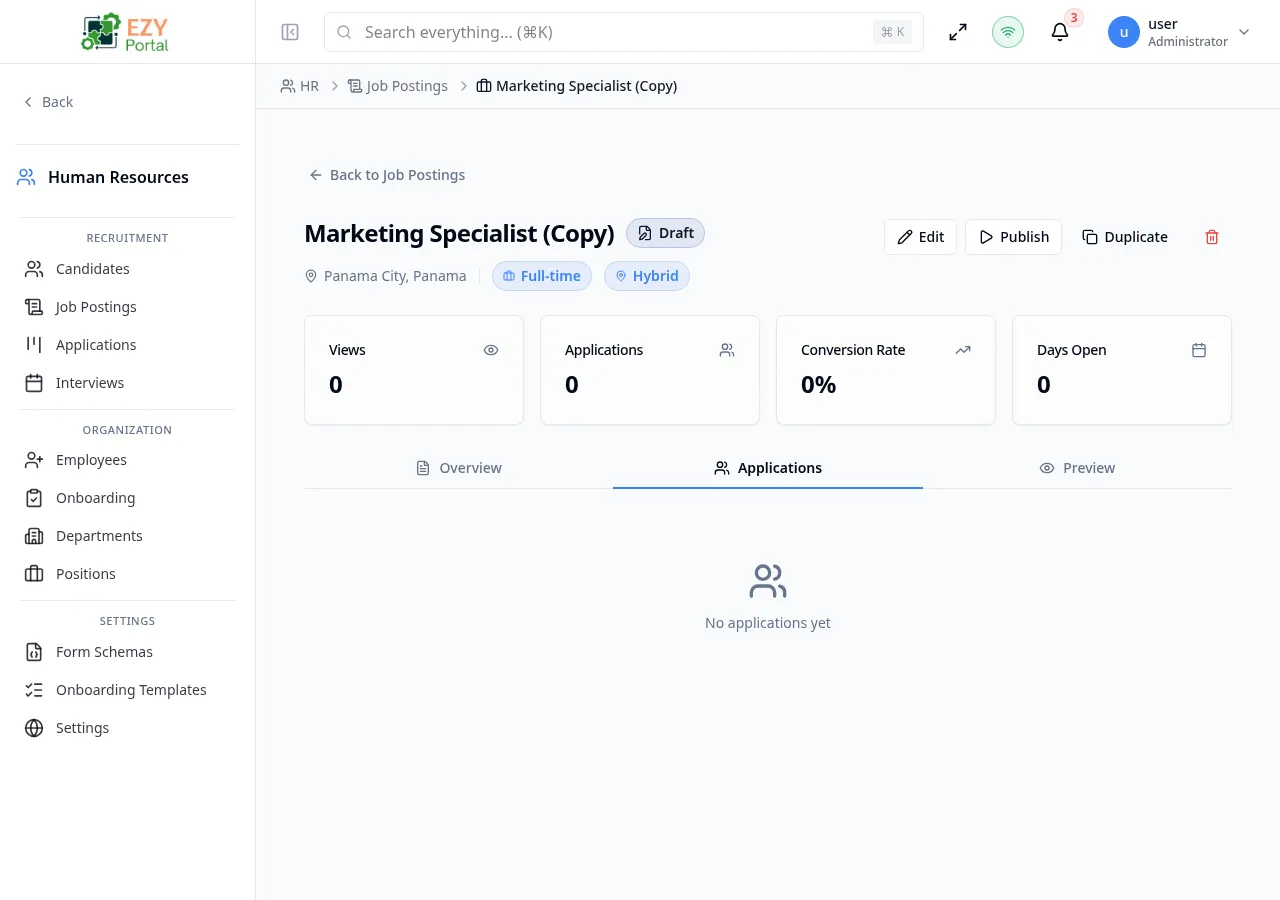
Columns shown:
| Column | Description |
|---|---|
| Candidate | Candidate name and email |
| Stage | Current application stage |
| Score | Evaluation score average |
| Applied | Date the application was submitted |
Clicking an application row opens the Application Detail panel. Actions available per application include scheduling an interview, advancing the stage, and setting an outcome.
Share Panel
Section titled “Share Panel”When the Share button is clicked:
| Option | Description |
|---|---|
| Copy Link | Copies the public careers page URL for this posting to the clipboard |
| Opens a LinkedIn share dialog | |
| Twitter/X | Opens a Twitter share dialog |
| External Careers Page | Opens the public careers page in a new tab |
The share link is only meaningful when the careers page is enabled in HR Settings.
Business rule notes
Section titled “Business rule notes”- Status transitions are constrained: only valid next states are available from the action bar. For example, a Draft posting shows Publish, not Close.
- Metrics update in real time as candidates view and apply.
- If Show Salary is set to Hidden on the posting, the Salary Range field is not shown on the public careers page or the detail page overview.
Common tasks
Section titled “Common tasks”- Click a row on the Job Postings list to open the detail page.
- Review the metrics and posting content on the Overview tab.
- Switch to the Applications tab to review submitted applications and take action.
Related Pages
Section titled “Related Pages”- Job Postings — List all job postings
- Applications — All applications across all postings
- Candidates — Candidate profiles
- HR Settings — Enable the public careers page