Scheduled Messages
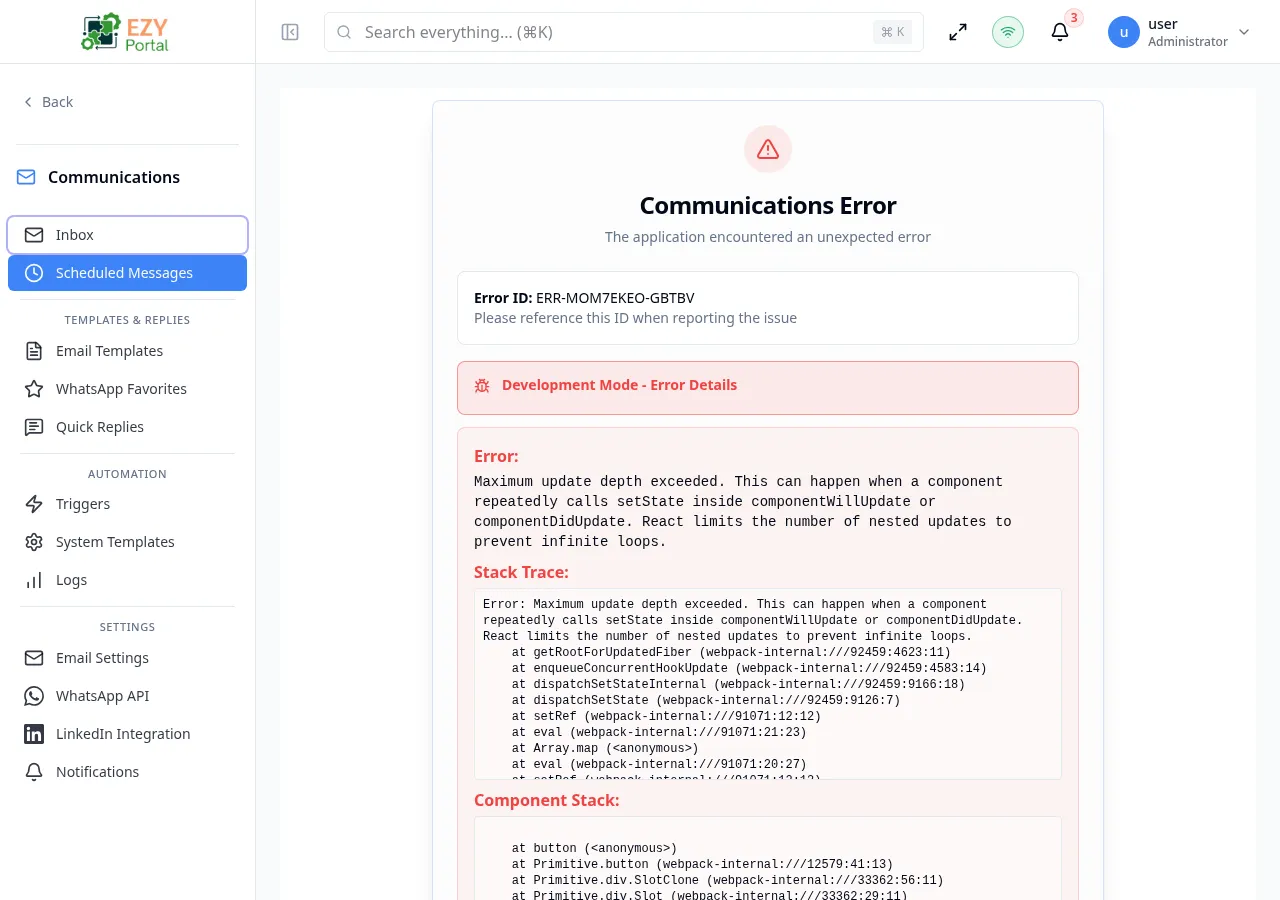
The Scheduled Messages page lists all outbound emails that have been queued to be sent at a future date and time. Each card shows the recipient addresses, subject, scheduled send time, and current status. Pending messages can be edited or cancelled before they are dispatched.
Accessing the Page
Section titled “Accessing the Page”- Route:
/communications/scheduled - Menu Path: Communications → Scheduled Messages
- Primary audience: Team members who manage timed outbound communications.
- This page is currently DEV-gated and only visible in development environments.
Status Values
Section titled “Status Values”| Status | Description |
|---|---|
| Scheduled | Message is queued and will be sent at the scheduled time |
| Sent | Message has been delivered |
| Failed | Delivery attempt failed |
| Cancelled | Message was cancelled before sending |
Filtering
Section titled “Filtering”| Filter | Type | Description |
|---|---|---|
| Status | Dropdown | All, Scheduled, Sent, Failed, Cancelled |
Pagination
Section titled “Pagination”The list uses a Load More pattern with a default page size of 50 records.
Actions
Section titled “Actions”Row Actions
Section titled “Row Actions”| Action | Description |
|---|---|
| Edit | Opens the edit dialog to update recipients, subject, body, or scheduled time |
| Delete | Cancels and permanently removes the scheduled message |
Editing a Scheduled Message
Section titled “Editing a Scheduled Message”Click the Edit button on any pending message card to open the edit dialog.
| Field | Description |
|---|---|
| To | Comma-separated recipient email addresses |
| CC | Comma-separated CC addresses |
| BCC | Comma-separated BCC addresses |
| Subject | Email subject line |
| Message | Email body content |
| Scheduled For | Date and time to send (in the account’s configured timezone) |
Changes take effect immediately and the updated send time is shown on the card.
Note: Only messages with Scheduled status can be edited. Sent and failed messages are read-only.
Scheduling a Message
Section titled “Scheduling a Message”Messages are scheduled from the compose window in the Inbox by clicking Schedule for later instead of Send. The schedule picker offers preset options (later today, tomorrow morning, tomorrow afternoon, next Monday) or a custom date and time.
Related Pages
Section titled “Related Pages”- Inbox — compose and reply to messages, including scheduling for later
- Email Logs — view the outbox history including sent scheduled messages