Inbox
The Inbox is a unified conversation view that brings together email, WhatsApp, and LinkedIn threads in a single interface. Each row represents a conversation thread and shows the contact, channel, subject or preview, and the time of the most recent message.
Accessing the Page
Section titled “Accessing the Page”- Route:
/communications/inbox - Menu Path: Communications → Inbox
- Primary audience: Team members who handle inbound communications.
- This page is currently DEV-gated and only visible in development environments.
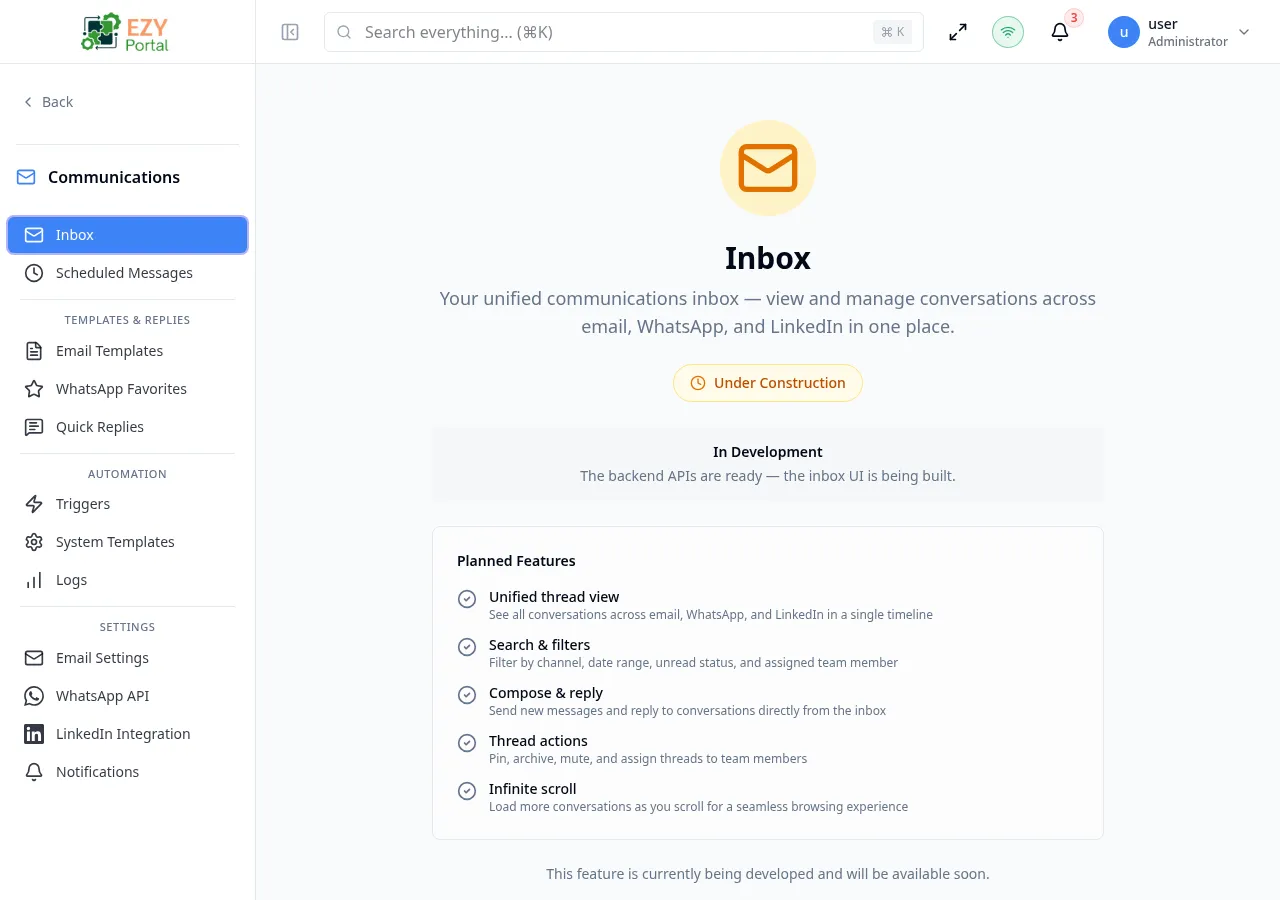
- The backend APIs for the inbox are complete. The inbox UI is in active development.
What you will be able to do here
Section titled “What you will be able to do here”- View all incoming conversations across email, WhatsApp, and LinkedIn in a single timeline.
- Filter threads by channel, date range, unread status, and assigned team member.
- Compose new messages and reply to conversations directly from the inbox.
- Pin, archive, mute, and assign threads to team members.
- Switch between the Inbox view (active threads) and the Archived view.
- Search conversations by contact name, subject, or message content.
Filtering
Section titled “Filtering”| Filter | Type | Description |
|---|---|---|
| Channel | Dropdown | All, Email, WhatsApp, LinkedIn |
| View | Tabs | Inbox (active) or Archived |
| Unread only | Toggle | Show only unread threads |
| From Date | Date | Show threads with activity on or after this date |
| To Date | Date | Show threads with activity on or before this date |
| Assigned To | Select | Filter by assigned team member; defaults to Anyone |
Thread Actions
Section titled “Thread Actions”Each thread supports the following actions via the row action menu:
| Action | Description |
|---|---|
| Pin / Unpin | Pins the thread to the top of the inbox |
| Archive / Unarchive | Moves the thread to or from the Archive view |
| Assign | Assigns the thread to a specific team member |
Related Pages
Section titled “Related Pages”- Thread Detail — view and reply to a single conversation thread
- Scheduled Messages — manage messages queued for future delivery
- Email Settings — configure the email account used for inbox syncing