Quick Replies
Quick Replies is a library of pre-written message snippets that can be inserted into any conversation with a keyboard shortcut or a search. Each quick reply has a body with optional variable placeholders and can be tagged for specific channels.
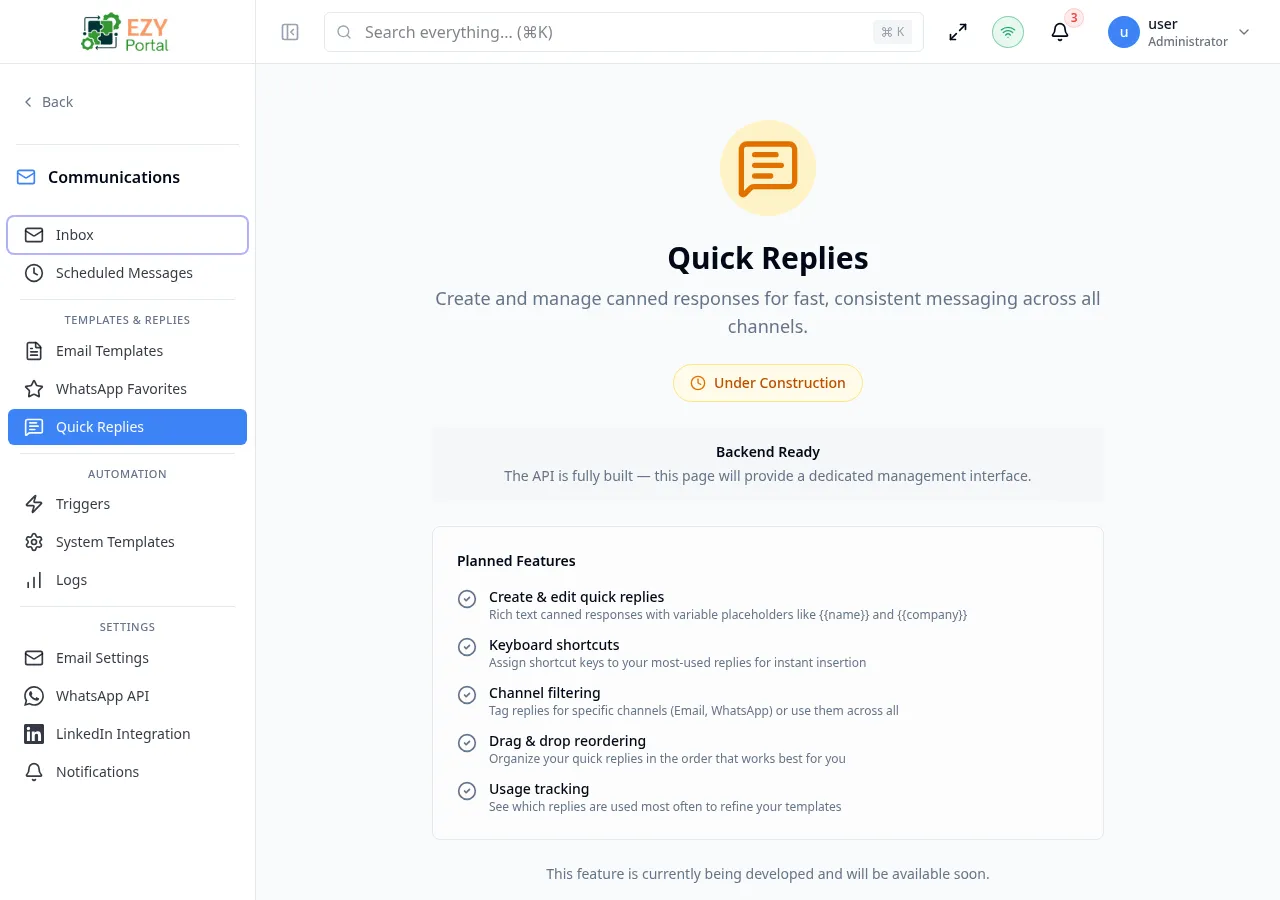
Accessing the Page
Section titled “Accessing the Page”- Route:
/communications/quick-replies - Menu Path: Communications → Templates & Replies → Quick Replies
- Primary audience: Team members who handle customer communications.
- This page is currently DEV-gated and only visible in development environments.
- The backend API for quick replies is fully implemented. The management interface is in active development.
What you will be able to do here
Section titled “What you will be able to do here”- Create quick replies with rich text bodies and
{{variable}}placeholders. - Assign keyboard shortcuts for instant insertion while composing.
- Tag replies for specific channels (Email, WhatsApp) or mark them for all channels.
- Reorder quick replies by drag-and-drop.
- View usage statistics to identify your most-used replies.
Common tasks
Section titled “Common tasks”- Open Communications → Templates & Replies → Quick Replies.
- Click New Quick Reply.
- Enter a name and the message body. Use
{{name}}or{{company}}for dynamic values. - Optionally assign a keyboard shortcut and channel tag.
- Save the quick reply.
- When composing a message from the Inbox, type
/followed by the shortcut or search by name to insert the reply.
Variable Placeholders
Section titled “Variable Placeholders”Quick reply bodies support variable substitution using double-brace syntax. Common variables include {{name}} and {{company}}. The actual values are substituted from the active conversation context at the time of insertion.
Related Pages
Section titled “Related Pages”- Inbox — insert quick replies while composing messages
- WhatsApp Favorites — save WhatsApp template configurations for one-click reuse
- Email Templates — create full email templates for automation