WhatsApp Template Favorites
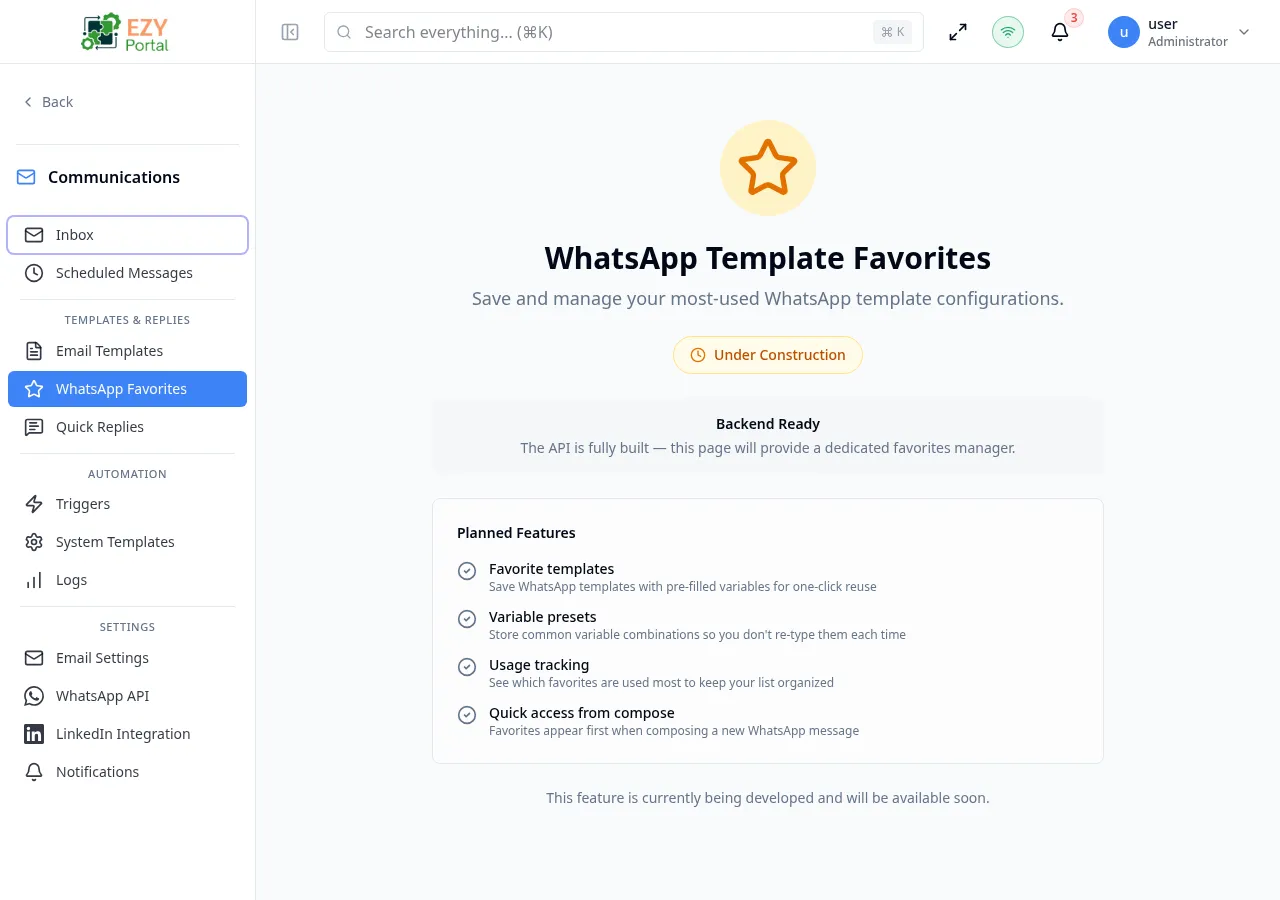
WhatsApp Template Favorites is a shortcut management page for your most-used WhatsApp message templates. Each favorite stores a template name, a display label, and pre-filled variable values so you can send a message in one click instead of filling in parameters every time.
Accessing the Page
Section titled “Accessing the Page”- Route:
/communications/whatsapp-favorites - Menu Path: Communications → Templates & Replies → WhatsApp Favorites
- Primary audience: Team members who frequently send WhatsApp messages using the same templates.
- This page is currently DEV-gated and only visible in development environments.
- The backend API for favorites is fully implemented. The management interface is in active development.
What you will be able to do here
Section titled “What you will be able to do here”- Create favorites by selecting an approved WhatsApp template and saving pre-filled variable values.
- Edit favorites to update the display name or variable presets.
- Delete favorites that are no longer needed.
- Access favorites first when composing a new WhatsApp message from the Inbox.
Common tasks
Section titled “Common tasks”- Open Communications → Templates & Replies → WhatsApp Favorites.
- Click Add Favorite.
- Select the WhatsApp account and choose an approved template.
- Enter a Display Name to identify this favorite.
- Fill in the Variable Presets for each template parameter.
- Save the favorite.
- When composing a WhatsApp message from the Inbox, your favorites appear at the top of the template selector.
Notes on Variable Presets
Section titled “Notes on Variable Presets”Variable presets are default values stored with each favorite. They pre-fill the template parameters when you select the favorite, but can be overridden before sending. This is useful for templates with static or semi-static content (for example, a company name or support hotline number).
Related Pages
Section titled “Related Pages”- WhatsApp Settings — configure WhatsApp Business accounts and view approved templates
- Inbox — compose WhatsApp messages using favorites
- Quick Replies — manage canned responses for cross-channel messaging