Edit A/R Credit Memo
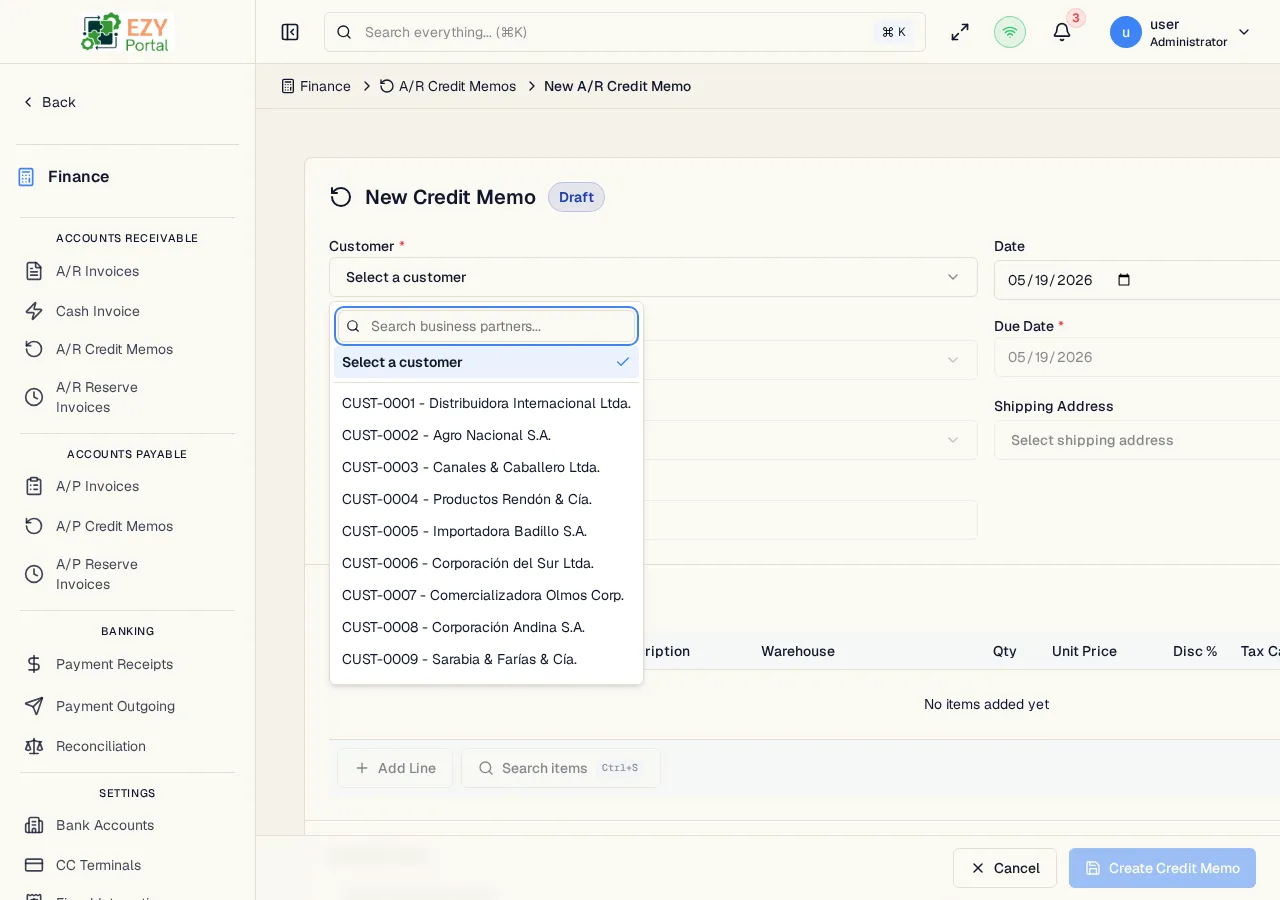
Update an existing A/R Credit Memo that is in Draft status. The edit form uses the same structure as the create form. Once a credit memo is posted, it can no longer be edited.
Accessing the Page
Section titled “Accessing the Page”From the A/R Credit Memo Detail page, click Edit, or navigate directly to /finance/ar/credit-memos/:id/edit.
The Edit button is only visible when the credit memo is in Draft status.
Form Overview
Section titled “Form Overview”The edit form uses the same structure as Create A/R Credit Memo. The following changes apply in edit mode:
- The document number is displayed read-only in the header
- The current status badge is shown
- Existing line items are pre-loaded and can be modified
- Deleted lines are tracked and removed on save
- Version tracking prevents conflicting concurrent edits
Read-Only Fields in Edit Mode
Section titled “Read-Only Fields in Edit Mode”| Field | Note |
|---|---|
| Document Number | Assigned at creation; cannot be changed |
| Source Invoice | Cannot be changed after creation |
| Customer | Cannot be changed when linked to a source invoice |
| Currency | Cannot be changed when linked to a source invoice |
Validation Rules
Section titled “Validation Rules”The edit form applies the same validation rules as the create form, including the quantity-against-source-invoice check. See Create A/R Credit Memo — Validation Rules for the full list.
Post-save behavior
Section titled “Post-save behavior”After a successful update you are redirected to the A/R Credit Memo Detail page. A success notification confirms the save.
Common tasks
Section titled “Common tasks”- Open the credit memo detail page and click Edit.
- Adjust line quantities or header fields as needed.
- Click Update Credit Memo — the system saves the changes and returns to the detail page.
Permissions & system behavior
Section titled “Permissions & system behavior”- Editing credit memos requires the
canEditARCreditMemopermission. - Only Draft credit memos can be edited.
Related Pages
Section titled “Related Pages”- A/R Credit Memo Detail — View and manage the credit memo
- A/R Credit Memos — List all credit memos
- Create A/R Credit Memo — Create a new credit memo