Edit A/R Invoice
Update an existing A/R Invoice that is in Draft status. The edit form uses the same structure as the create form with the addition of optimistic concurrency version tracking. Once an invoice is posted, it can no longer be edited.
Accessing the Page
Section titled “Accessing the Page”From the A/R Invoice Detail page, click Edit, or navigate directly to /finance/ar/invoices/:id/edit.
The Edit button is only visible when the invoice is in Draft status.
Form Overview
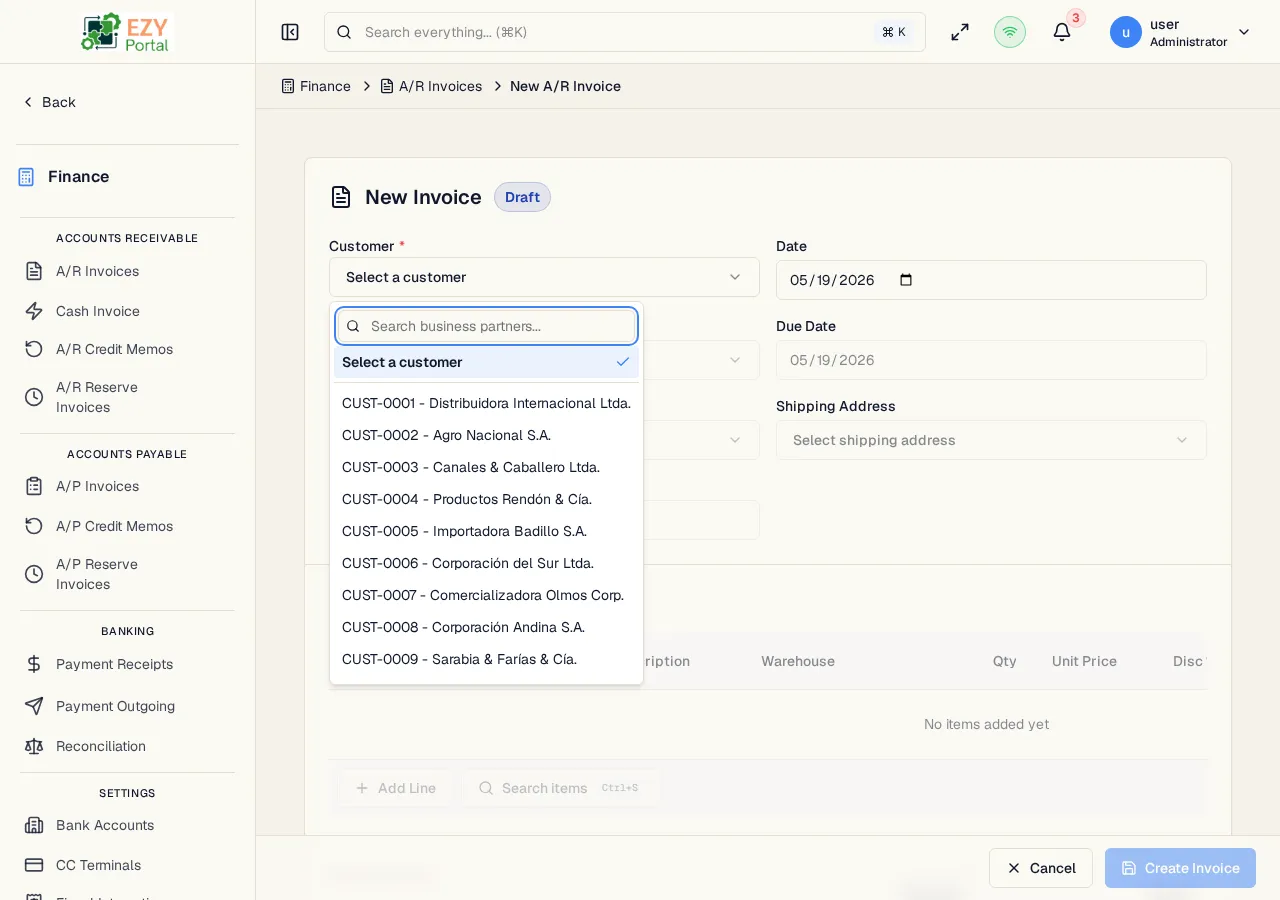
Section titled “Form Overview”The edit form uses the same tab structure as Create A/R Invoice. The following changes apply in edit mode:
- The document number is displayed in the header (read-only)
- The current status badge is shown
- Existing line items are loaded and can be modified or deleted
- Deleted lines are tracked and removed on save
- A version field is included transparently to prevent conflicting concurrent edits
Read-Only Fields in Edit Mode
Section titled “Read-Only Fields in Edit Mode”| Field | Note |
|---|---|
| Document Number | Assigned at creation; cannot be changed |
| Status | Changes only through workflow actions (Post, Cancel) |
All other header and line fields are editable while the invoice remains in Draft.
Validation Rules
Section titled “Validation Rules”The edit form applies the same validation rules as the create form. See Create A/R Invoice — Validation Rules for the full list.
Post-save behavior
Section titled “Post-save behavior”After a successful update you are redirected to the A/R Invoice Detail page. A success notification confirms the save.
If a concurrent edit conflict is detected (version mismatch), an error message is shown and the save is rejected. Reload the page to see the latest data before retrying.
Common tasks
Section titled “Common tasks”- Open the invoice detail page and click Edit.
- Modify the relevant fields or line items.
- Click Update Invoice — the system saves the changes and returns to the detail page.
Permissions & system behavior
Section titled “Permissions & system behavior”- Editing invoices requires the
canEditARInvoicepermission. - Only Draft invoices can be edited. The Edit button is hidden for Posted, Cancelled, or Closed invoices.
Related Pages
Section titled “Related Pages”- A/R Invoice Detail — View and manage the invoice
- A/R Invoices — List all invoices
- Create A/R Invoice — Create a new invoice