Edit Bank Account
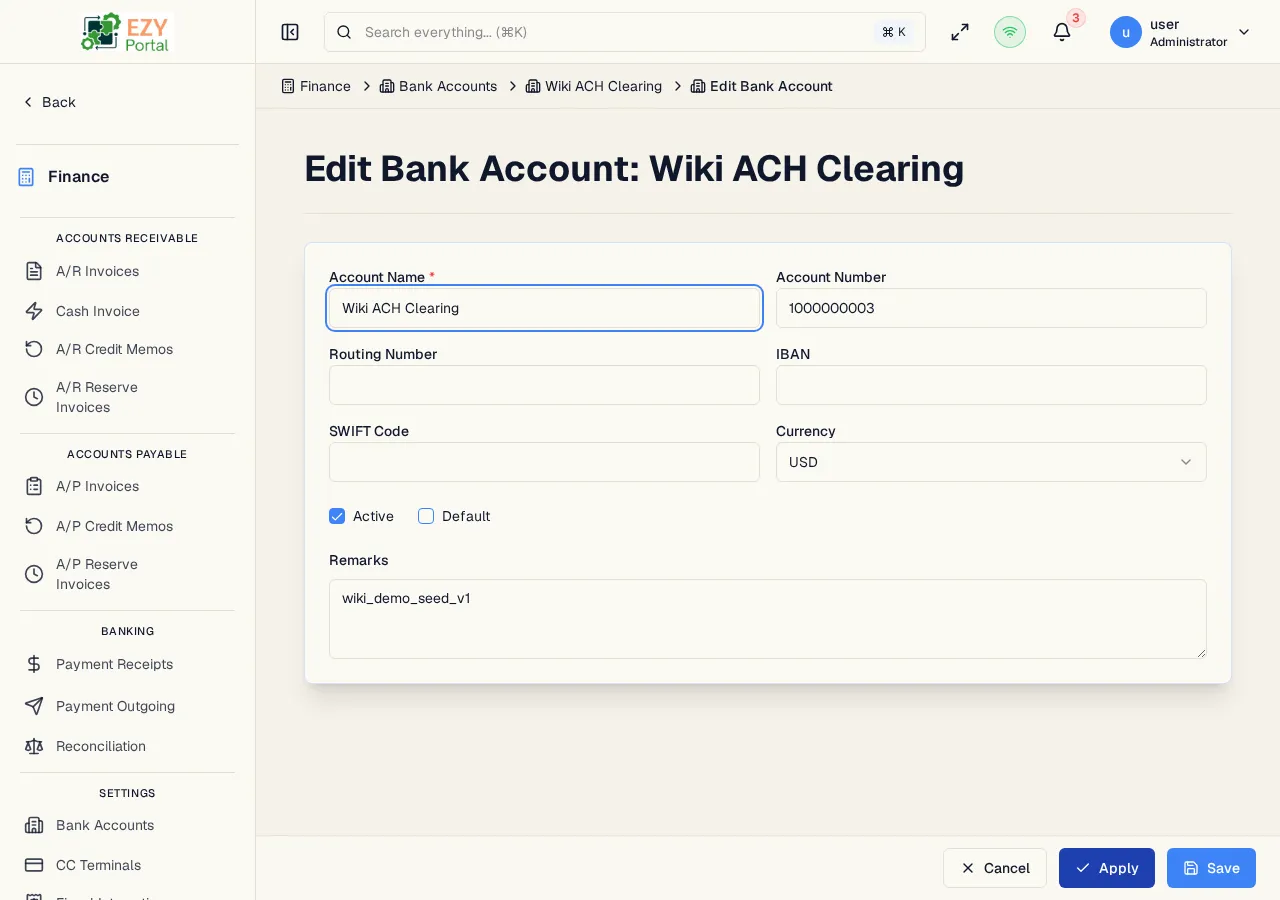
Update an existing bank account record. All fields are editable.
Accessing the Page
Section titled “Accessing the Page”From the Bank Account Detail page, click Edit, or navigate directly to /finance/banking/accounts/:id/edit.
Form Overview
Section titled “Form Overview”The edit form uses the same fields as Create Bank Account. All fields are editable.
Fields
Section titled “Fields”Same fields as Creating a Bank Account. See Create Bank Account — Fields for the complete field list.
Validation Rules
Section titled “Validation Rules”| Rule | Behavior |
|---|---|
| Account Name required | Cannot submit without an account name |
Post-save behavior
Section titled “Post-save behavior”After a successful update you are redirected to the Bank Account Detail page.
Common tasks
Section titled “Common tasks”- Open the bank account detail page and click Edit.
- Update the relevant fields.
- Click Save to apply changes.
Related Pages
Section titled “Related Pages”- Bank Account Detail — View the bank account
- Bank Accounts — List all bank accounts
- Create Bank Account — Add a new bank account