A/R Aging Report
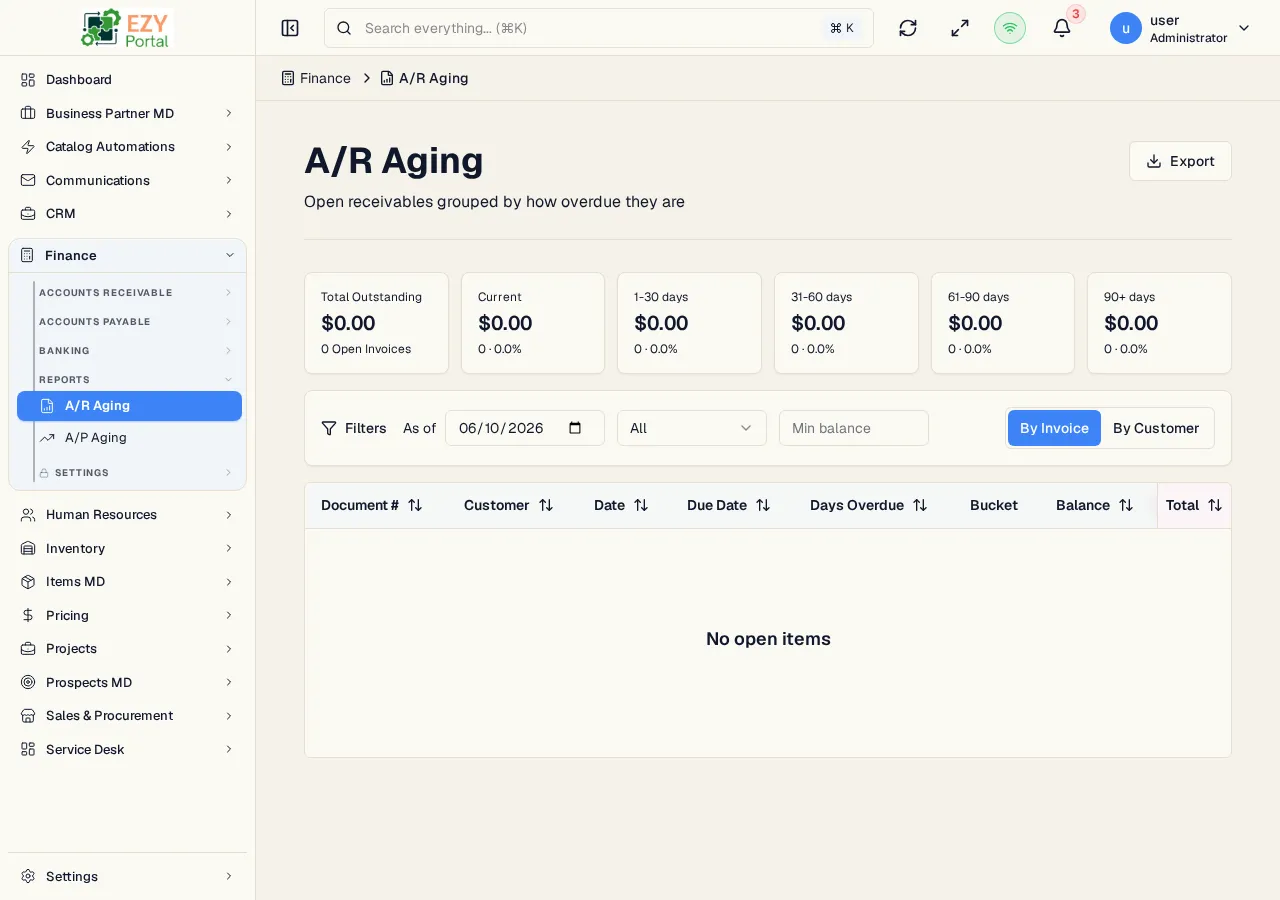
The A/R Aging report analyzes open customer balances as of a selected date. It helps finance teams identify current and overdue receivables by invoice, customer, and aging bucket.
Accessing the Page
Section titled “Accessing the Page”Navigate to Finance → Reports → A/R Aging, or go to /finance/reports/ar-aging.
Filters
Section titled “Filters”| Filter | Description |
|---|---|
| As of Date | Reference date for aging calculations |
| Customer | Limit results to one customer |
| Bucket | Current, 1-30, 31-60, 61-90, or 90+ days |
| Minimum Balance | Hide rows below the entered balance |
| View | Description |
|---|---|
| Invoices | Shows each open invoice with document date, due date, days overdue, bucket, balance, and original total |
| Customers | Groups balances by customer and aging bucket |
Actions
Section titled “Actions”| Action | Description |
|---|---|
| Refresh | Reload report data |
| Export | Download the current report as Excel |
| Invoice row | Open a slide-in invoice preview |