Catalog Seasons
Catalog Seasons define the commercial window used to group catalog collections. A season can carry a currency and price list so seasonal ordering and catalog work use the correct commercial context.
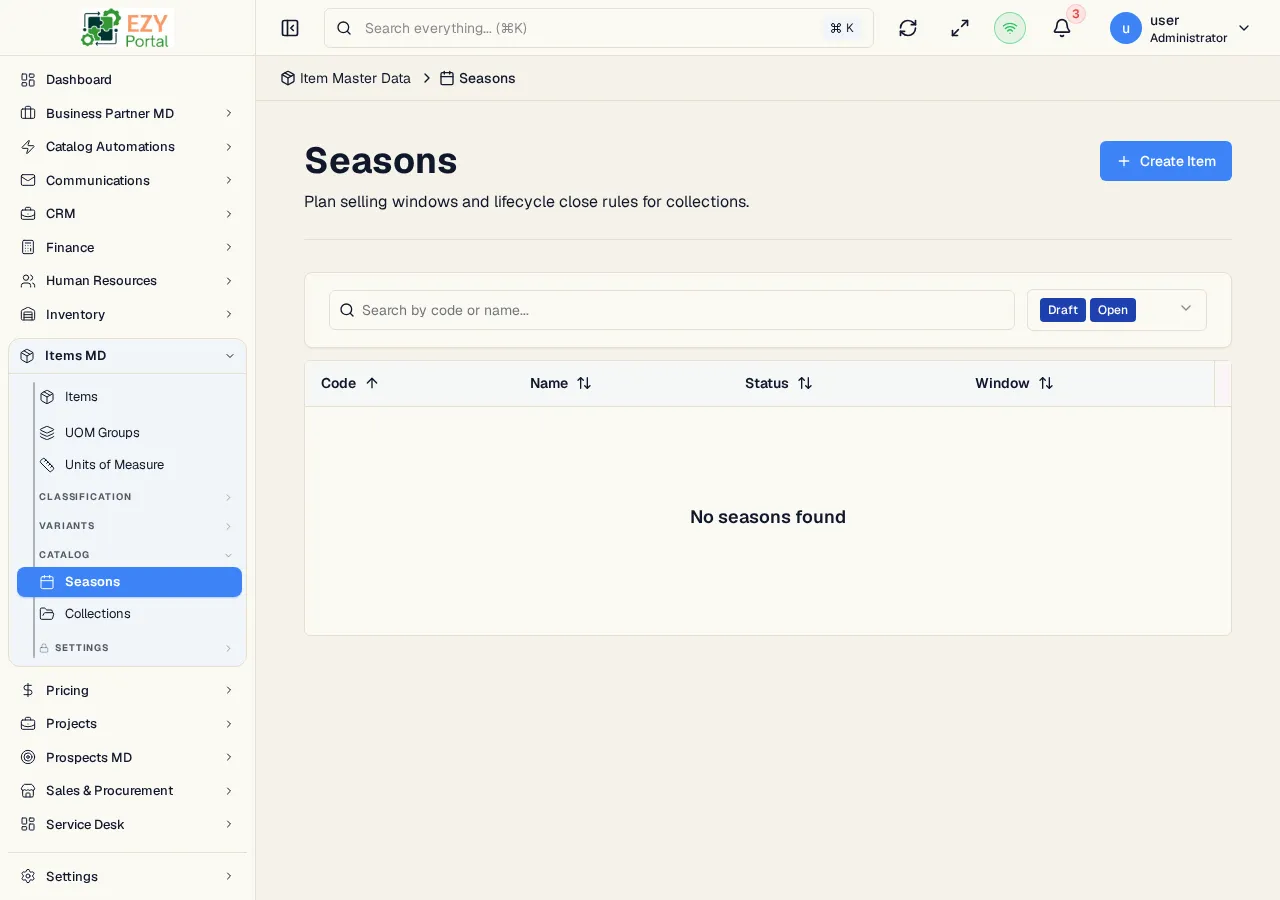
Accessing the Page
Section titled “Accessing the Page”- Route:
/items/seasons - Menu Path: Items -> Catalog -> Seasons
Fields
Section titled “Fields”| Field | Description |
|---|---|
| Code | Unique season code. Codes are normalized to uppercase. |
| Name | Season display name. |
| Open Date | Optional start date. |
| Close Date | Optional end date. |
| Currency | Season currency. Uses the tenant default unless multi-currency is enabled. |
| Price List | Optional price list filtered by the selected currency. |
| Status | Draft, Open, Closed, or Archived. |
Status Flow
Section titled “Status Flow”| Status | Typical Use |
|---|---|
| Draft | Season setup is still in progress. |
| Open | Collections can be prepared for active ordering workflows. |
| Closed | Ordering window is finished. |
| Archived | Historical season retained for reference. |
Filters and Actions
Section titled “Filters and Actions”- Default filters show Draft and Open seasons.
- Search filters by season text.
- Create and edit use the same dialog.
- Status changes require confirmation.
- Delete is available only when permissions and backend usage rules allow it.