Styles
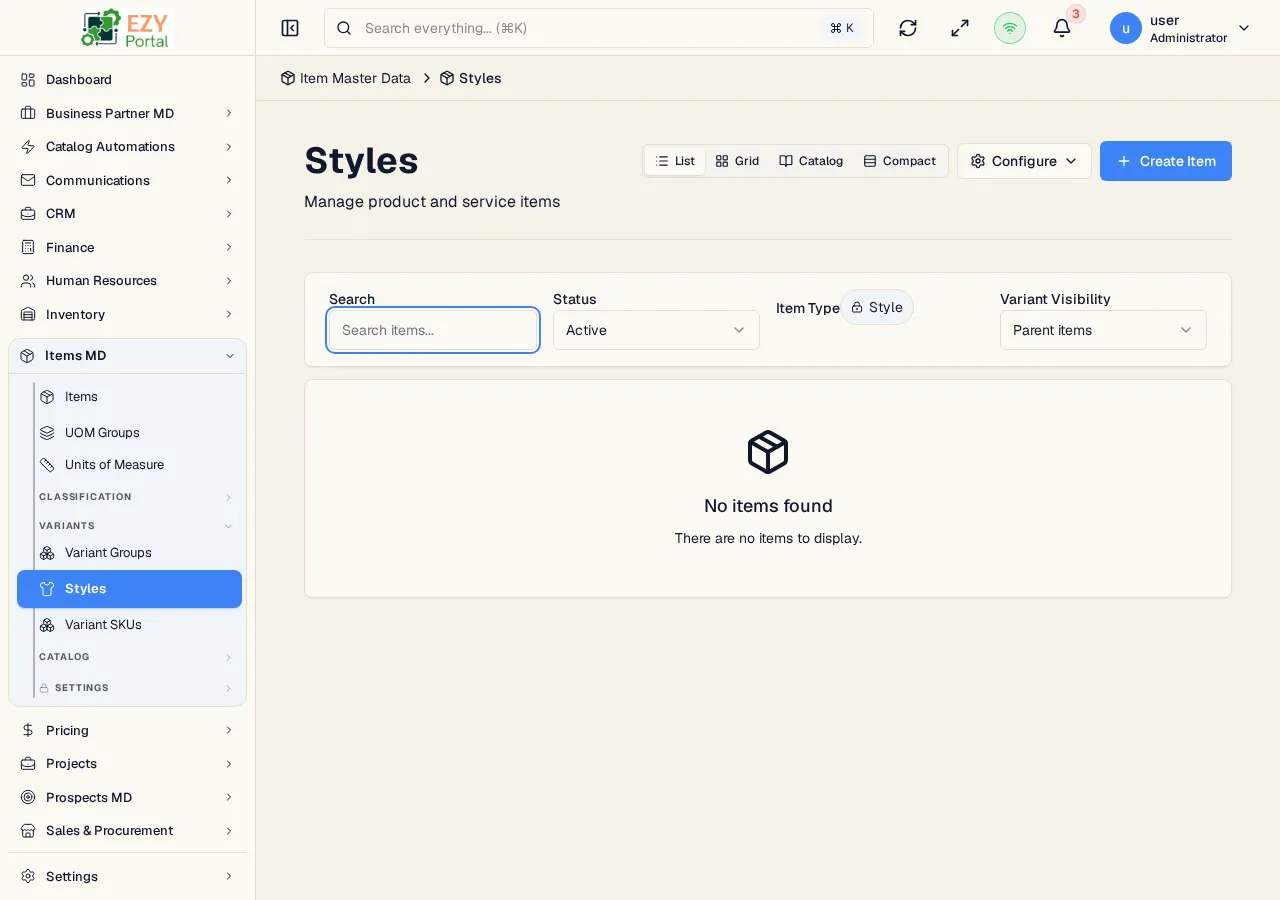
The Styles page is a filtered view of the Items list that shows only style parent items. Styles represent sellable product families such as a shirt, shoe, or configurable product before size, color, material, or other variant values are expanded into child SKUs.
Accessing the Page
Section titled “Accessing the Page”- Route:
/items/styles - Menu Path: Items -> Variants -> Styles
What You Can Do
Section titled “What You Can Do”| Action | Description |
|---|---|
| Search and filter styles | Uses the same searchable item list controls as the main Items page, fixed to style items. |
| Create Style | Opens /items/create?itemType=style, which preselects the item type as Style. |
| View | Opens the style item detail page. |
| Edit | Opens Edit Item, where variant groups, generated variant SKUs, and pack templates are managed. |
| Delete | Soft-deletes the style item if you have delete permission. |
Style Workflow
Section titled “Style Workflow”- Create a style item from the Styles page.
- Open the style in Edit Item.
- Use the Variants tab to assign a variant group and generate missing child SKUs.
- Use the Pack Templates tab to create ordering or merchandising packs for the style.
- Add the style or its pack templates to a catalog collection when preparing a seasonal catalog.