In-Transit
The In-Transit report shows inbound goods that are on order but not yet received. It combines open purchase order lines and A/P reserve invoice lines so inventory teams can see what is overdue, arriving soon, and expected later.
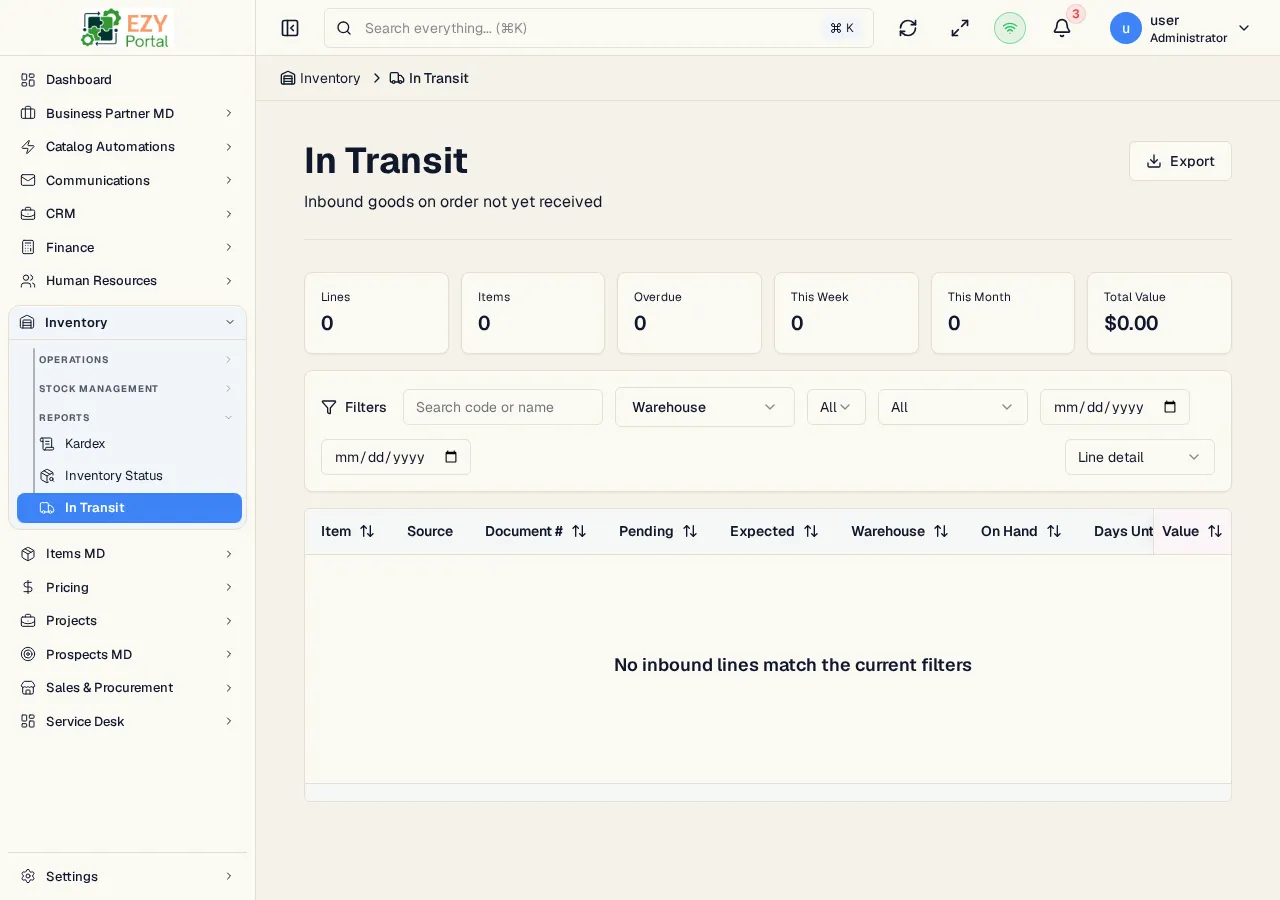
Accessing the Page
Section titled “Accessing the Page”Navigate to Inventory → Reports → In-Transit in the sidebar, or go to /inventory/reports/in-transit.
Summary Cards
Section titled “Summary Cards”| Card | Meaning |
|---|---|
| Overdue | Expected date is before today |
| This Week | Expected during the current week |
| This Month | Expected later this month |
| Future | Expected after the current month |
Filters
Section titled “Filters”| Filter | Description |
|---|---|
| Search | Search item, document, or partner text |
| Warehouse | Limit inbound lines to a warehouse |
| Source Type | Purchase Orders or A/P Reserve Invoices |
| Timing Status | Overdue, This Week, This Month, or Future |
| Date From / Date To | Expected-date range |
View Modes
Section titled “View Modes”Use the Group by selector to switch between line-level and grouped views:
| Grouping | Use Case |
|---|---|
| Line | Inspect individual open source lines |
| Item | See pending quantity by item |
| Group | Review inbound quantity by item group |
| Month | Plan arrivals by expected month |
| Source Type | Compare purchase orders and reserve invoices |
Columns
Section titled “Columns”Line view includes item, source type, document number, pending quantity, expected date, warehouse, on-hand quantity, timing status, and value. Grouped views summarize pending quantity and value by the selected grouping.
Actions
Section titled “Actions”| Action | Description |
|---|---|
| Refresh | Reload report data |
| Export | Download the current result set as Excel |
| Source document | Open a slide-in preview for the purchase order or A/P reserve invoice |